App links
Document capture utility
Turn paper and photos into a cleaner PDF workflow.
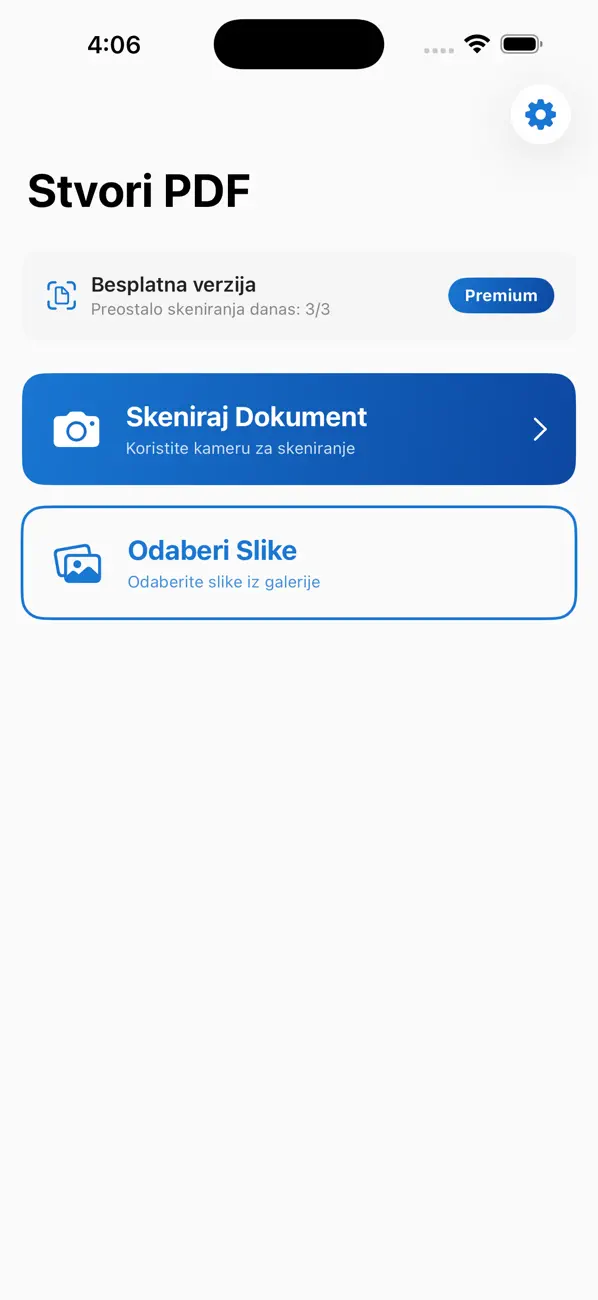
Create PDF Scanner helps users scan documents, build PDFs from images, merge pages, and share a cleaner final file without leaving the phone.
Quick facts
- Pricing
- Free to start with a focused mobile scanning workflow.
- Platforms
- iPhone, iPad
- Best for
- People who need quick scans, merged PDFs, or image-to-PDF output on the go.
- Availability
- App Store ID 6760226705
It is a practical utility for people who need quick document capture and PDF output without a heavy office suite.
Launch kit
Create PDF — Scanner links, release notes, and shipping details
This section keeps the practical launch information in one place so the page can work as a product landing page, support hub, and handoff point for future catalog growth.
Launch details
- Pricing
- Free to start with a focused mobile scanning workflow.
- Platforms
- iPhone, iPad
- Current version
- 1.1
- Last updated
- April 7, 2026
- Category
- Productivity utility
- App Store ID
- 6760226705
Latest release
Faster mobile document capture and PDF handoff
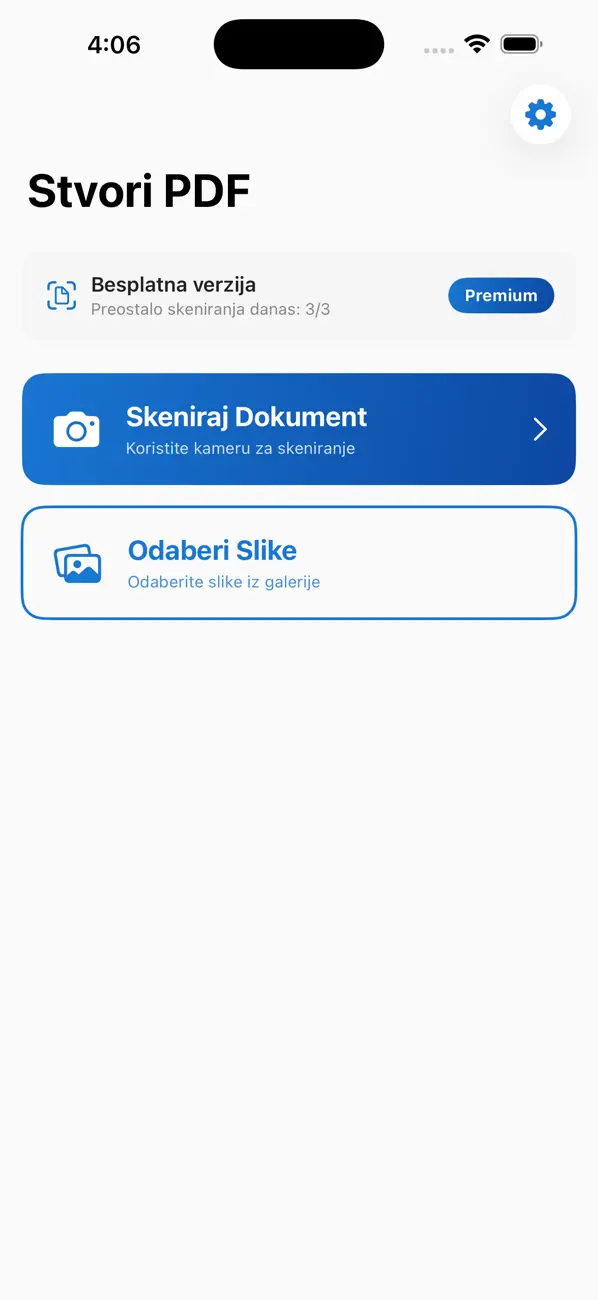
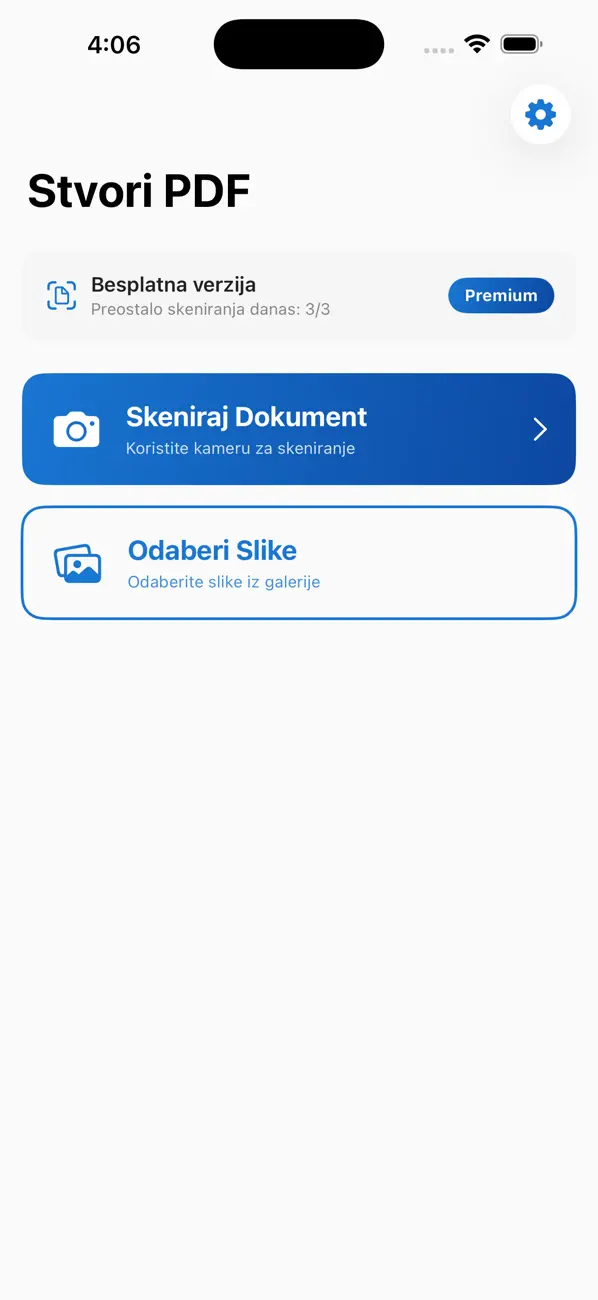
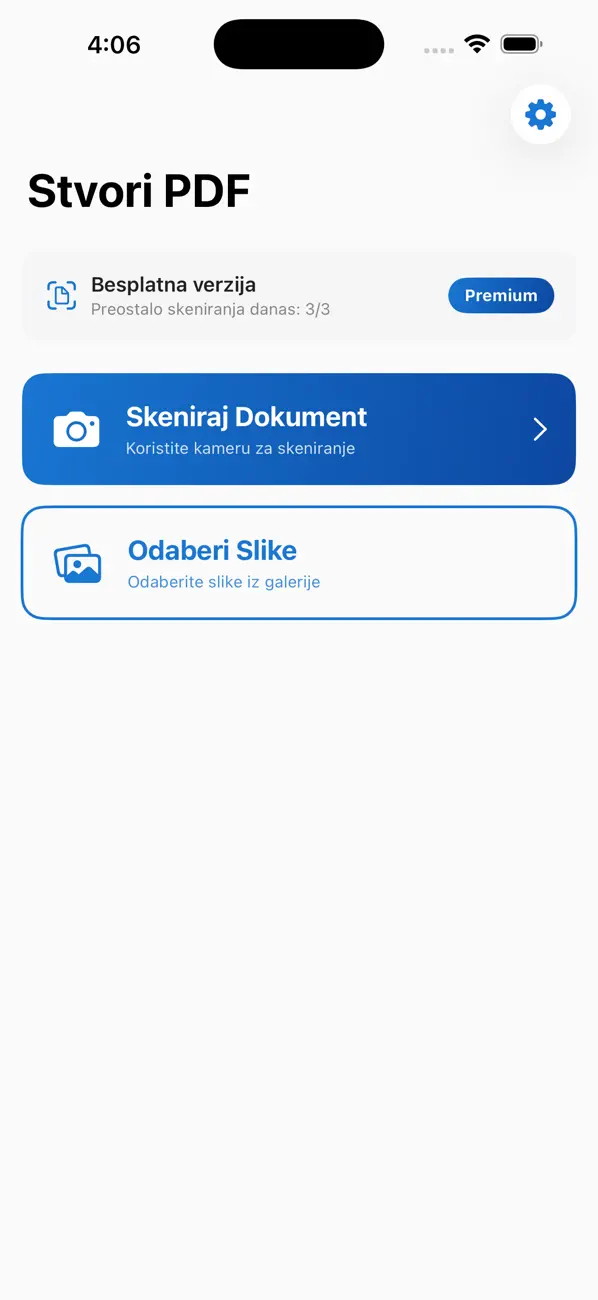
The current build includes camera scanning, image-to-PDF conversion, page merging, auto-crop, enhancement, and quick sharing from the device.
What it helps with
What Create PDF — Scanner helps you do
This page is designed to explain the app clearly, show how the workflow fits together, and help the right user decide quickly whether the product is a fit.
It is a practical utility for people who need quick document capture and PDF output without a heavy office suite.
Key signals
Scan Camera capture
PDF Image conversion
Merge Page combining
Share Quick output
- Camera document scanning on phone
- Image-to-PDF conversion and page merging
- Auto-crop and enhancement flow
- Fast share from the device
Product screens
Create PDF — Scanner in use
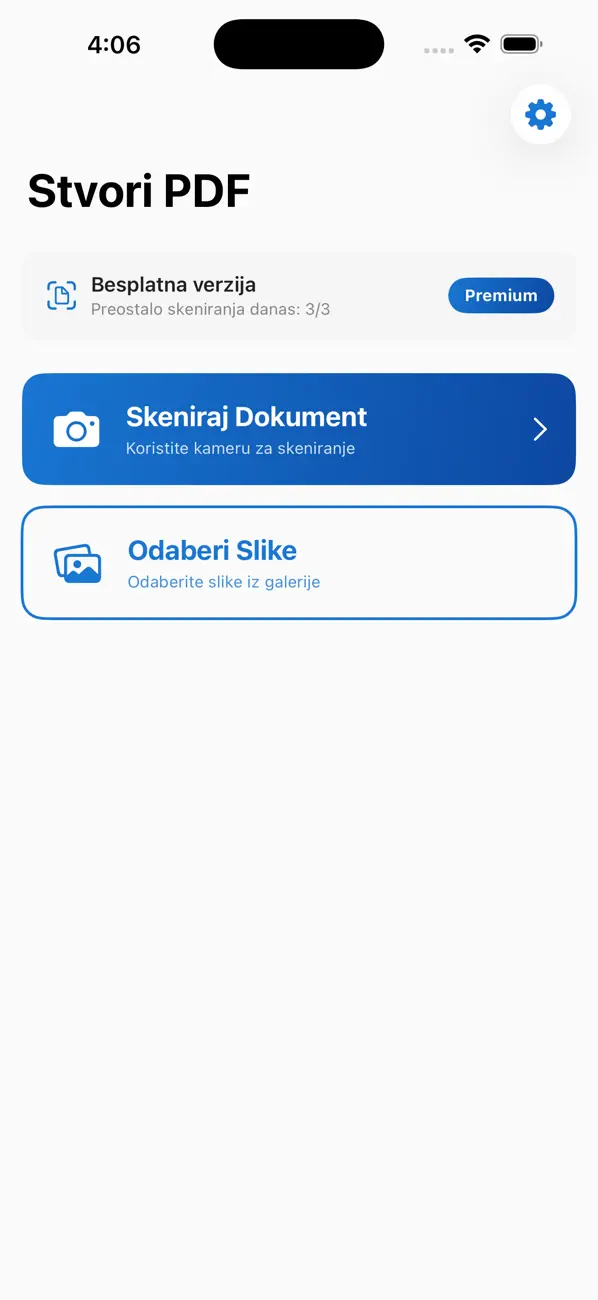
Step by step
How Create PDF — Scanner fits into the workflow
Capture the page or select the images
Start from the camera or an existing image when you need a document turned into something shareable.
Clean the page automatically
Auto-crop and enhancement help make the scan more usable before export.
Merge and export as one PDF
Combine pages, build the final file, and send it on without a desktop step.
Feature detail
Why teams choose Create PDF — Scanner
Capture
Scan documents from the phone in a cleaner flow
Create PDF Scanner makes document capture feel light and immediate instead of office-heavy.
- Camera scanning
- Fast import from images
- A practical mobile-first utility
Cleanup
Auto-crop and enhancement without extra friction
The app helps turn a rough phone capture into something more presentable before it becomes a PDF.
- Auto-crop
- Basic enhancement
- Less cleanup before sharing
Output
Merge pages and share the file without a desktop handoff
This is where the utility becomes practical: build the final PDF directly from the phone and get it out quickly.
- Merge multiple pages
- Image-to-PDF export
- Quick sharing from the device
Recent updates
What has changed recently in Create PDF — Scanner
A lightweight release history helps these app pages act like living product documents instead of frozen launch announcements.
1.1
Faster mobile document capture and PDF handoff
The current build includes camera scanning, image-to-PDF conversion, page merging, auto-crop, enhancement, and quick sharing from the device.
Best fit
Who Create PDF — Scanner is built for
Students and everyday users
For people who need to scan or share documents quickly.
Small business operators
For owners who need a lightweight PDF workflow from the phone.
Field teams
For people capturing paperwork away from a desk.
Questions
Questions people ask before downloading Create PDF — Scanner
What can I create with the app?
You can scan documents, convert images to PDF, merge pages, and share the final PDF from your phone.
Does it clean up the scan?
Yes. The app includes auto-crop and enhancement to make captured pages more usable.
Can I merge multiple pages?
Yes. Page merging is part of the workflow before you export the PDF.
Beyond the app
Need something more tailored than Create PDF — Scanner?
If scanning is only the first step and your team also needs approvals, portals, CRM handoff, or internal document logic, I can build a tailored version around that process.
- Custom document intake tools
- Approval and handoff workflows
- A bridge from utility app to operational system
Bigger workflow
If this app opens up a bigger problem
The app may solve a concrete job immediately. If it exposes a larger operational, web, or content problem behind it, these are the closest practical routes.
Operational systems
If the workflow behind the app reveals manual steps, approval layers, tool sprawl, or operational debt, this is where it becomes a real system.
Web platforms
If this direction points toward a portal, stronger web layer, SEO surface area, or client-facing interface, this is the closest next route.
Related writing
The Difference Between Automation That Helps and Automation That Compounds
Most automation saves time once. System-level automation saves time forever — and gets better the longer it runs. The difference is in the architecture.
Building Internal Tools vs Buying Off the Shelf
Notion, Airtable, and off-the-shelf tools work — until they don't. Custom internal tools work — until nobody maintains them. Here's the decision framework.
What Happens After You Buy 'All-in-One' Software
All-in-one tools promise simplicity but deliver consolidated complexity. Everything in one place doesn't mean everything is clear.
Related case studies
Dentelli: Acting as an Embedded Growth Partner During a Premium Clinic's Scale-Up
A multi-year embedded role spanning content, campaigns, events, reporting, and growth execution while a premium dental clinic scaled significantly in Split.
Enaviga: Building the Sales Playbook Behind a Charter-Tech Product
A progression from visual asset production into business development, sales structure, market validation, and operational content systems for a boating-tech startup.
Create PDF — Scanner
Download Create PDF — Scanner, then extend the workflow if your team needs more.
Start with the shipping app when it solves the core job. If you later need approvals, reporting, portals, or a more specialized internal workflow, that can become a custom build.