Create PDF — Scanner
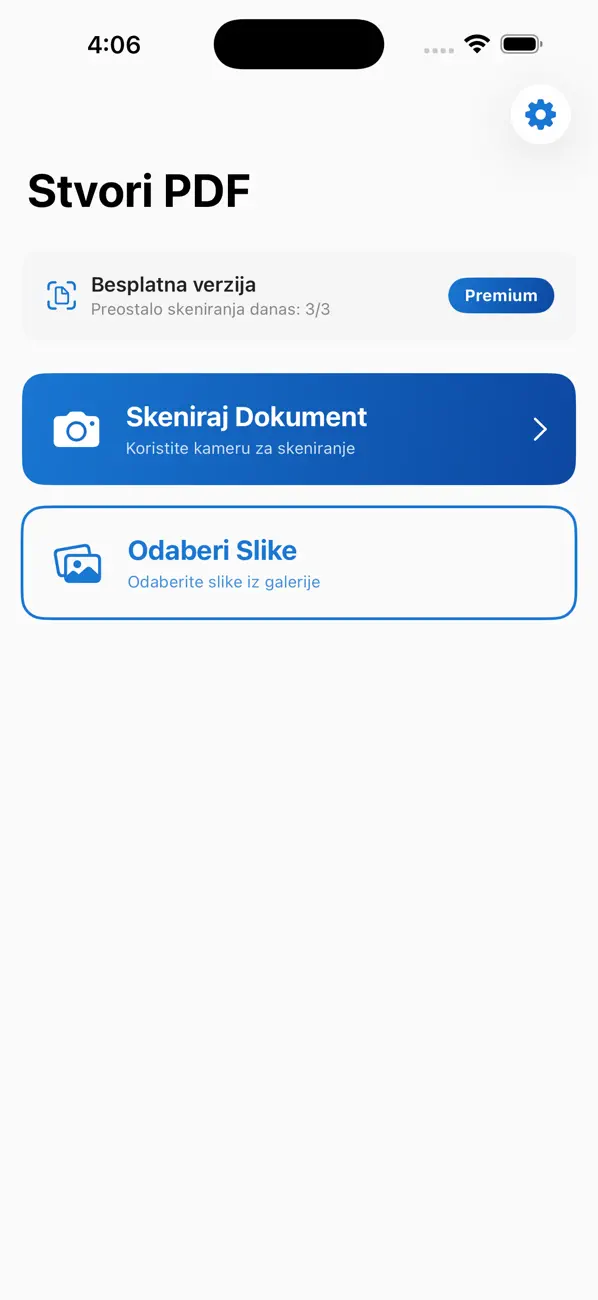
Turn paper and photos into a cleaner PDF workflow.
It is a practical utility for people who need quick document capture and PDF output without a heavy office suite.
App category
Apps for password generation, document scanning, file cleanup, and other small mobile workflows that should feel faster and cleaner.
This category is for practical utility apps that solve one repeat task well instead of pretending to be an all-in-one productivity suite.
Featured in this category
Turn paper and photos into a cleaner PDF workflow.
Productivity and utility tools
Turn paper and photos into a cleaner PDF workflow.
It is a practical utility for people who need quick document capture and PDF output without a heavy office suite.
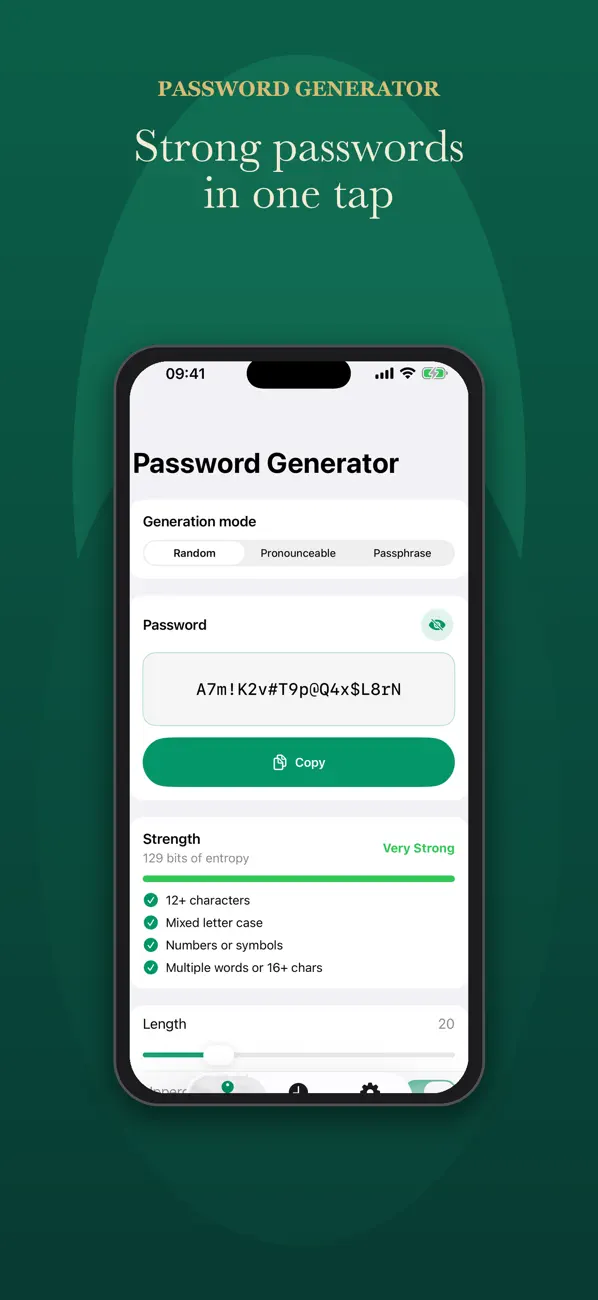
Generate strong passwords without sending anything anywhere.
It is useful when you need secure output fast, but do not want to rely on a heavier password manager flow for every small task.
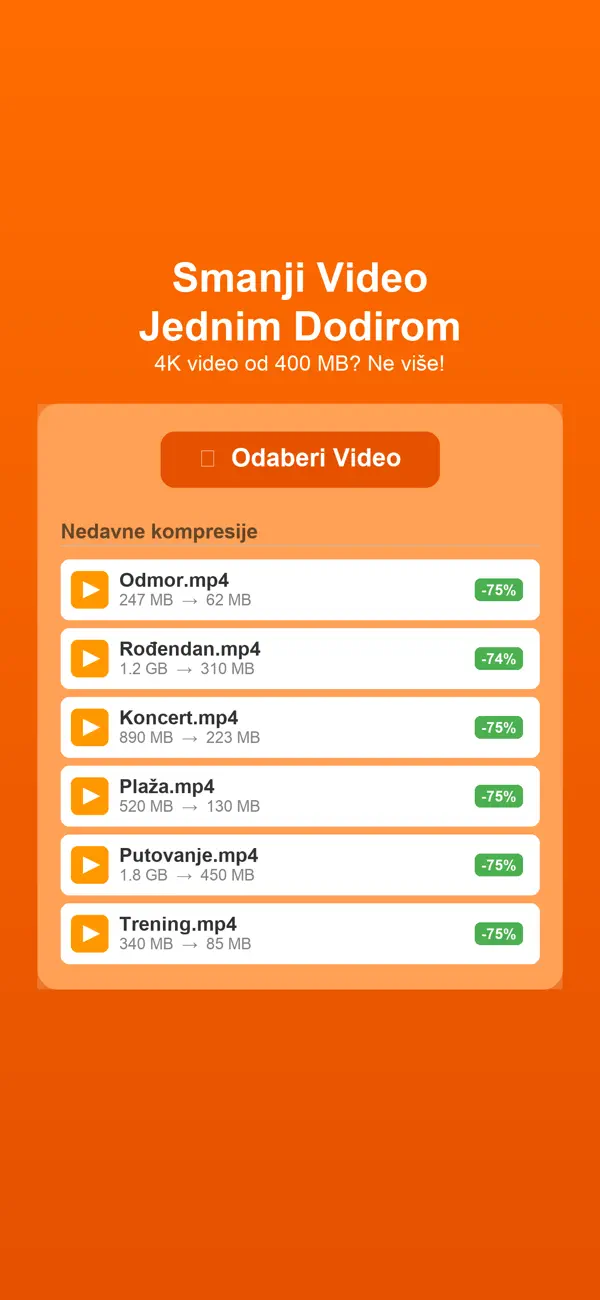
Shrink the video before it slows everything else down.
It is useful when the main job is not editing, but simply getting a video into a more usable size with less friction.
What this category covers
This page groups related mobile workflows so people can understand the kind of operational problems these products solve, who they are built for, and where a lightweight App Store tool is enough.
Productivity and utility tools
This category is for practical utility apps that solve one repeat task well instead of pretending to be an all-in-one productivity suite. The currently published products in this category include Create PDF — Scanner, GeneratorLozinki, Smanji Video.
The primary purpose of this page is to show finished App Store products that already solve a clear task. If the workflow is broader than one app, this category also signals where a custom build can grow from the same direction.
Usually when a team needs extra approvals, client portals, reporting, multiple user roles, or integration with existing operations. At that point the app landing page becomes a useful starting point for a tailored build conversation.
Path into a bigger system
A category shows the direction. If the problem behind it involves more people, approval layers, presentation work, or a client-facing interface, these are the closest commercial and editorial routes.
If the workflow behind the app reveals manual steps, approval layers, tool sprawl, or operational debt, this is where it becomes a real system.
If the product touches hospitality, experience design, presentation, or commercial content, this is where it grows into a content system that supports real operations.
If this direction points toward a portal, stronger web layer, SEO surface area, or client-facing interface, this is the closest next route.
Most automation saves time once. System-level automation saves time forever — and gets better the longer it runs. The difference is in the architecture.
Notion, Airtable, and off-the-shelf tools work — until they don't. Custom internal tools work — until nobody maintains them. Here's the decision framework.
All-in-one tools promise simplicity but deliver consolidated complexity. Everything in one place doesn't mean everything is clear.
A multi-year embedded role spanning content, campaigns, events, reporting, and growth execution while a premium dental clinic scaled significantly in Split.
A progression from visual asset production into business development, sales structure, market validation, and operational content systems for a boating-tech startup.
Need a custom app?
These app pages are meant to help people find a shipping product first. But if your team needs approvals, portals, reporting, or a more specific operational flow, that can become a custom build.