App links
German family calculator suite
See family and benefit scenarios more clearly.
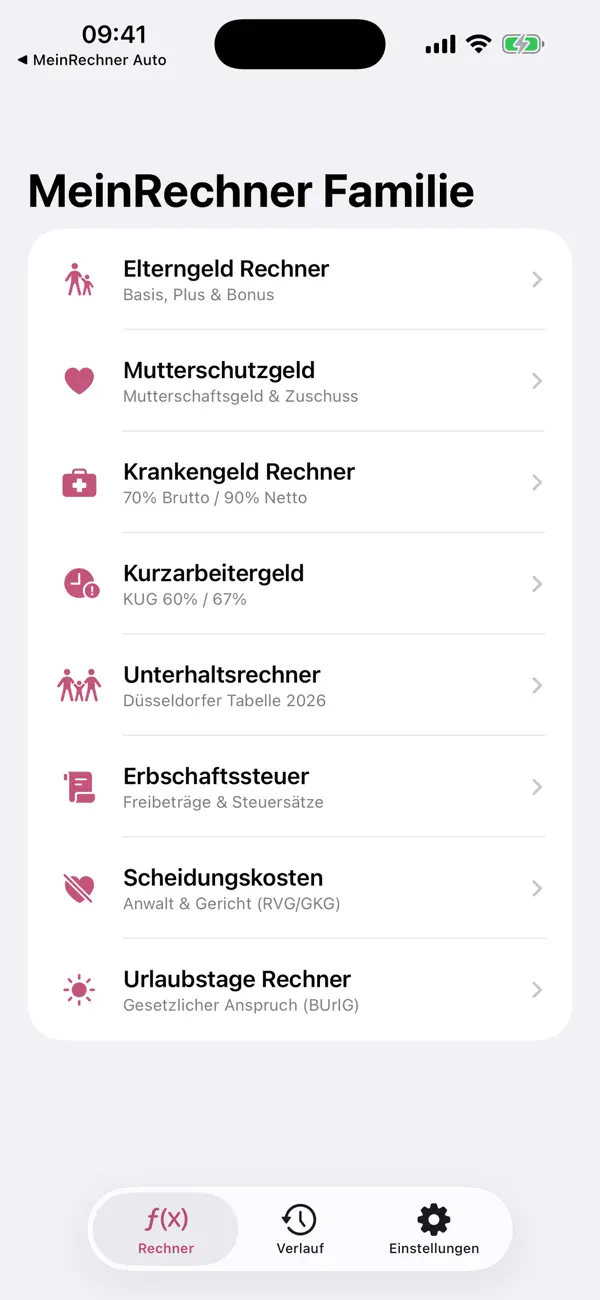
MeinRechner Family bundles German family and benefit calculators into one calmer product for parents, households, and advisers.
Quick facts
- Pricing
- Free to start, with Premium calculators, compare mode, unlimited history, PDF export, and no ads.
- Platforms
- iPhone, iPad
- Best for
- German families, parents, and advisers comparing household benefit scenarios.
- Availability
- App Store ID 6760786984
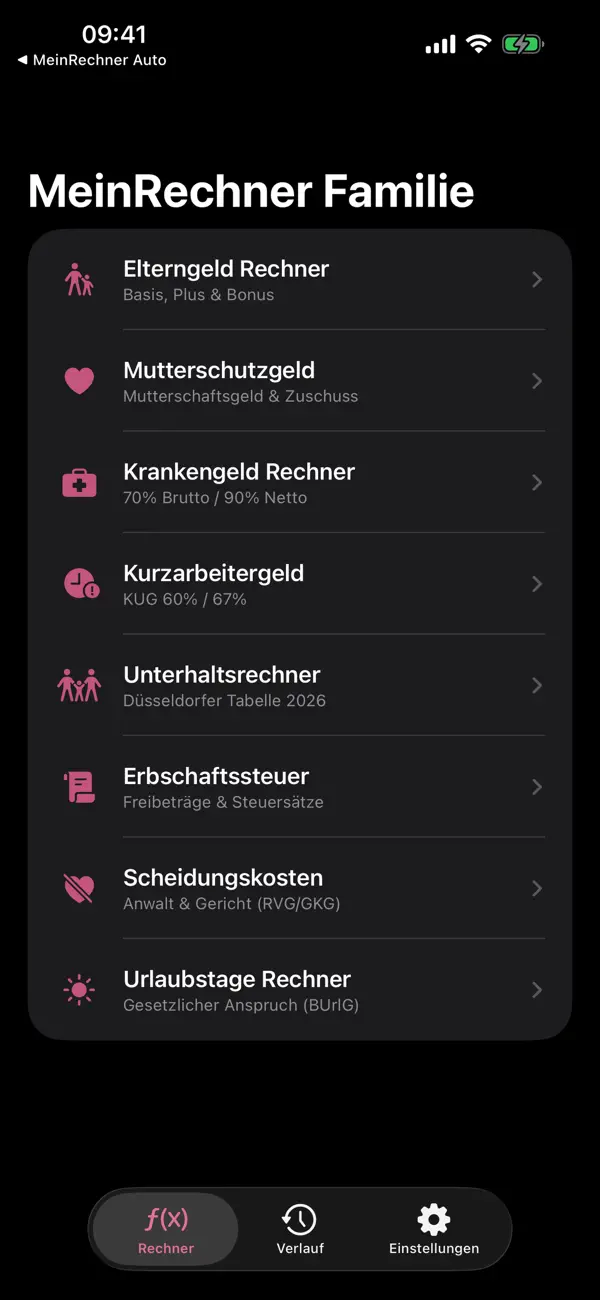
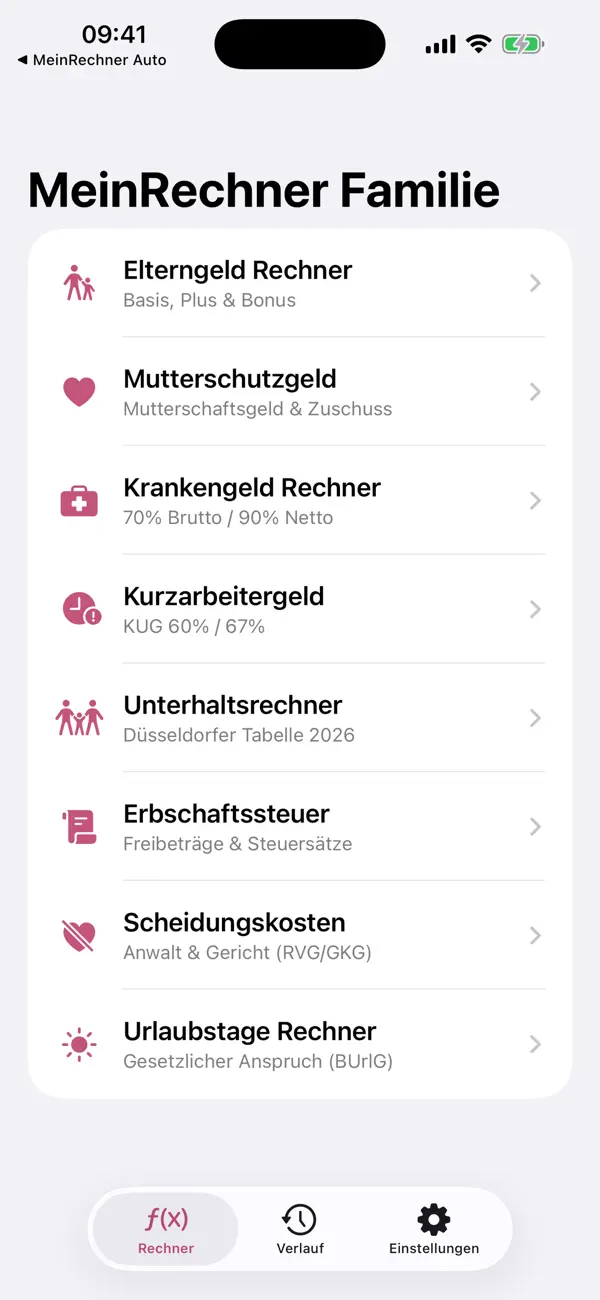
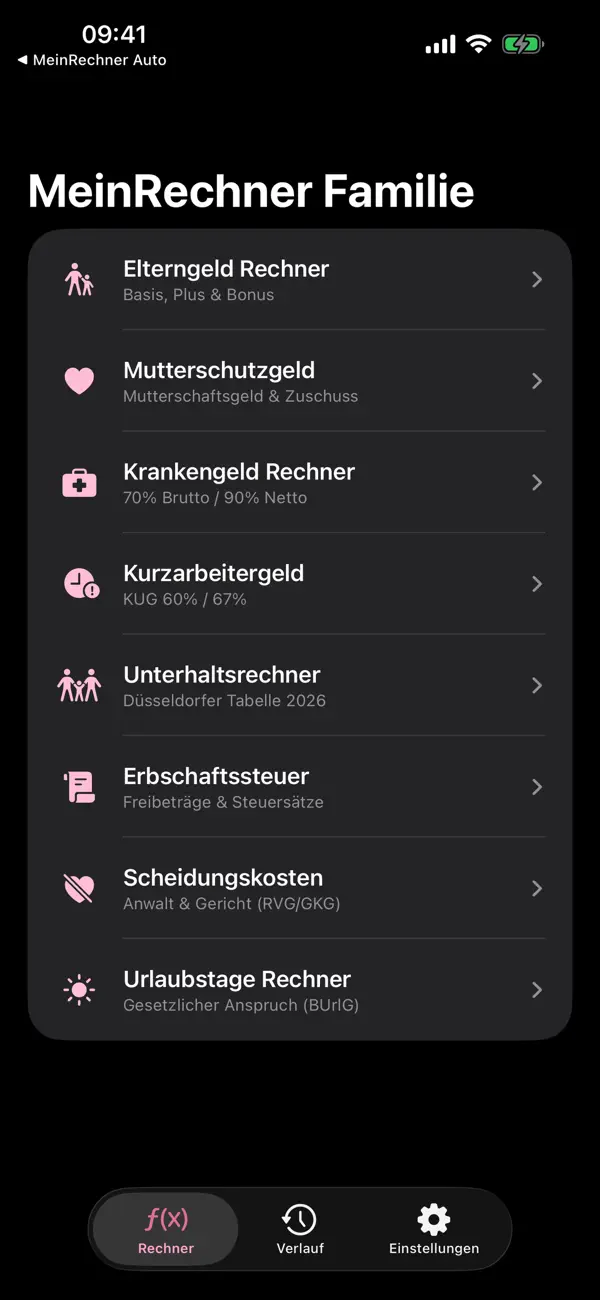
It helps users model parental allowance, maternity pay, sick pay, short-time work, vacation entitlement, and more without juggling scattered tools.
Launch kit
MeinRechner Family links, release notes, and shipping details
This section keeps the practical launch information in one place so the page can work as a product landing page, support hub, and handoff point for future catalog growth.
Launch details
- Pricing
- Free to start, with Premium calculators, compare mode, unlimited history, PDF export, and no ads.
- Platforms
- iPhone, iPad
- Current version
- 1.1.1
- Last updated
- April 12, 2026
- Category
- Tax and income tool
- App Store ID
- 6760786984
Latest release
Expanded family and household calculator bundle
The current release includes the core family and benefit calculators, with Premium features like compare mode, PDF export, unlimited history, and additional scenario tools.
What it helps with
What MeinRechner Family helps you do
This page is designed to explain the app clearly, show how the workflow fits together, and help the right user decide quickly whether the product is a fit.
It helps users model parental allowance, maternity pay, sick pay, short-time work, vacation entitlement, and more without juggling scattered tools.
Key signals
5+ Core family calculators
Compare Scenario mode
PDF Export ready
History Saved results
- Multiple German family and benefit calculators in one place
- Useful for parental allowance, maternity pay, and more
- Premium compare mode and PDF export
- Ad-free option for repeat use
Product screens
MeinRechner Family in use
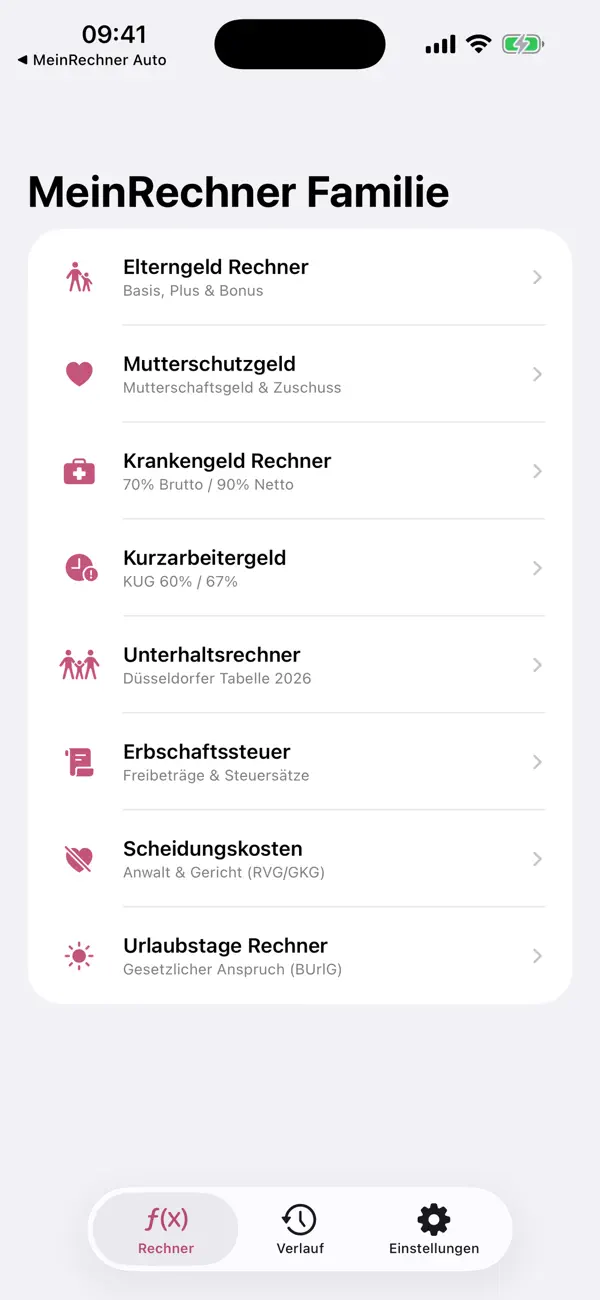
Step by step
How MeinRechner Family fits into the workflow
Pick the household scenario
Start with the family or benefit question you actually have instead of hunting for separate tools.
Model the benefit or entitlement
The app focuses the core assumptions so users can reach a clearer first estimate faster.
Compare and save promising outcomes
Use saved history, compare mode, and export when the conversation needs to move to a partner or adviser.
Feature detail
Why teams choose MeinRechner Family
Family planning
A clearer first layer for household benefit questions
MeinRechner Family turns scattered family benefit questions into one more coherent product experience.
- Parental allowance and maternity pay
- Sick pay and short-time work
- Vacation entitlement and more
Comparison
Compare household options before the paperwork starts
The compare mode is one of the strongest parts of the product because families rarely look at one scenario in isolation.
- Compare mode in Premium
- Unlimited history
- Useful before talking with an adviser or employer
Repeat use
Keep scenarios visible instead of redoing them from scratch
Saved results and PDF export make the app more useful for people working through real family planning decisions over time.
- Saved household scenarios
- PDF export
- A calmer workflow than scattered calculators
Recent updates
What has changed recently in MeinRechner Family
A lightweight release history helps these app pages act like living product documents instead of frozen launch announcements.
1.1.1
Expanded family and household calculator bundle
The current release includes the core family and benefit calculators, with Premium features like compare mode, PDF export, unlimited history, and additional scenario tools.
Best fit
Who MeinRechner Family is built for
Parents and future parents
For households planning around leave, benefits, and income changes.
Households comparing scenarios
For families who need to look at more than one outcome before deciding.
Advisers and support teams
For professionals who want a fast first-pass family benefit calculator set.
Questions
Questions people ask before downloading MeinRechner Family
What does MeinRechner Family cover?
It covers parental allowance, maternity pay, sick pay, short-time work, vacation entitlement, and related family planning scenarios.
What is included in Premium?
Premium adds more calculators, compare mode, unlimited history, PDF export, and no ads.
Does it replace formal advice?
No. It is an estimation and planning tool, not a replacement for official or professional advice.
Beyond the app
Need something more tailored than MeinRechner Family?
If you need family or benefit logic inside a branded portal, employee helpdesk, or advisory flow, I can build a tailored version around that system.
- Custom household or employee calculators
- Branded portals and scenario tools
- A bridge from app to broader workflow
Bigger workflow
If this app opens up a bigger problem
The app may solve a concrete job immediately. If it exposes a larger operational, web, or content problem behind it, these are the closest practical routes.
Operational systems
If the workflow behind the app reveals manual steps, approval layers, tool sprawl, or operational debt, this is where it becomes a real system.
Web platforms
If this direction points toward a portal, stronger web layer, SEO surface area, or client-facing interface, this is the closest next route.
Related writing
Why 'My Accountant Handles It' Isn't a System
Accountants handle paperwork. They don't prevent operational non-compliance. That's a system problem.
Why Compliance Is System Behavior, Not Paperwork
Compliance fails not because someone ignored the law, but because behavior wasn't encoded. Paperwork proves compliance — systems create it.
Airtable, Monday, Asana — Why the Tool Doesn't Matter
Teams debate tools endlessly. The tool is almost never the problem. The process underneath, the ownership, the behavior—that's what breaks.
Related case studies
Dentelli: Acting as an Embedded Growth Partner During a Premium Clinic's Scale-Up
A multi-year embedded role spanning content, campaigns, events, reporting, and growth execution while a premium dental clinic scaled significantly in Split.
Enaviga: Building the Sales Playbook Behind a Charter-Tech Product
A progression from visual asset production into business development, sales structure, market validation, and operational content systems for a boating-tech startup.
MeinRechner Family
Download MeinRechner Family, then extend the workflow if your team needs more.
Start with the shipping app when it solves the core job. If you later need approvals, reporting, portals, or a more specialized internal workflow, that can become a custom build.