App links
Built for shift work and timesheets
Know exactly how many hours you worked this week — breaks and overtime included.
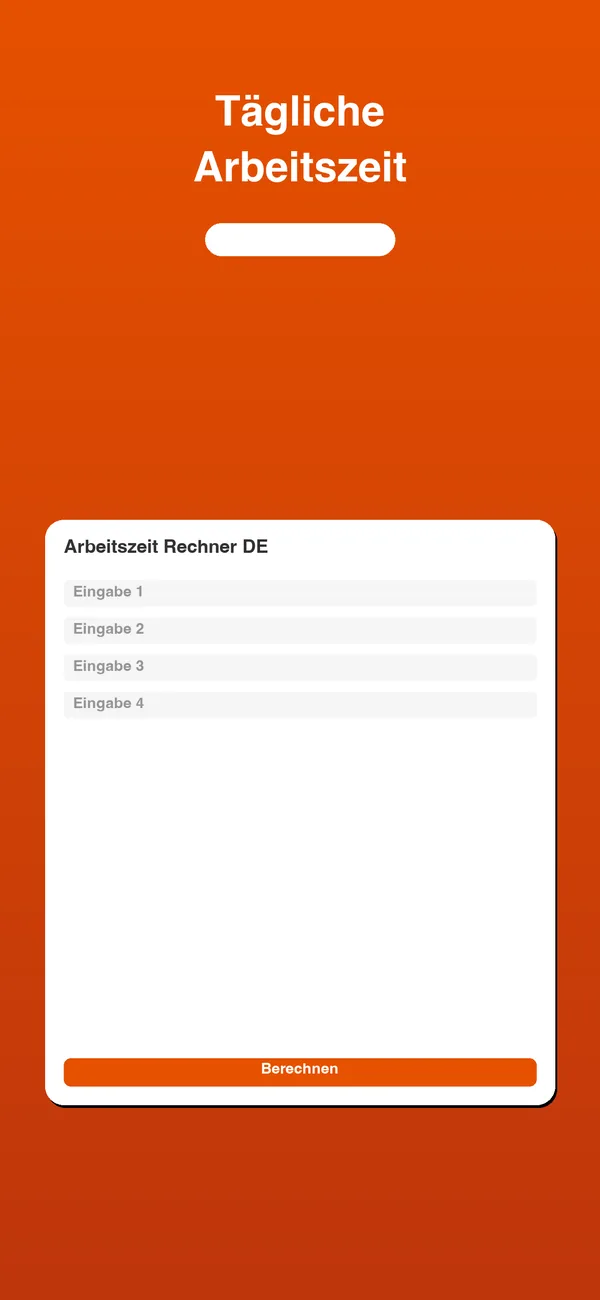
Arbeitszeit Rechner 2026 turns start times, breaks and shift entries into a clean weekly total, so you can plan your week and check your hours without doing the math by hand.
Quick facts
- Pricing
- Free to download, with an in-app Premium upgrade for a cleaner, distraction-free experience.
- Platforms
- iPhone, iPad
- Best for
- Shift workers, hourly employees and anyone who needs to track work hours, breaks and overtime.
- Availability
- App Store ID 6761000477
It pulls work hours, break deductions, overtime and shift totals together into one readable weekly summary you can use for planning, timesheets or a quick personal estimate.
Launch kit
Arbeitszeit Rechner 2026 links, release notes, and shipping details
This section keeps the practical launch information in one place so the page can work as a product landing page, support hub, and handoff point for future catalog growth.
Launch details
- Pricing
- Free to download, with an in-app Premium upgrade for a cleaner, distraction-free experience.
- Platforms
- iPhone, iPad
- Current version
- 1.1
- Last updated
- May 1, 2026
- Category
- Tax and income tool
- App Store ID
- 6761000477
Latest release
Clearer weekly summary for 2026
This release refines work-hour, break and overtime totals and presents them in a cleaner weekly summary built for planning and records.
What it helps with
What Arbeitszeit Rechner 2026 helps you do
This page is designed to explain the app clearly, show how the workflow fits together, and help the right user decide quickly whether the product is a fit.
It pulls work hours, break deductions, overtime and shift totals together into one readable weekly summary you can use for planning, timesheets or a quick personal estimate.
Key signals
2026 Current ruleset
Week Clear summary
Breaks Auto-deducted
OT Overtime totals
- Built for shifts, breaks and overtime
- Gives a clear weekly total at a glance
- Useful for timesheets and personal records
- No spreadsheet math required
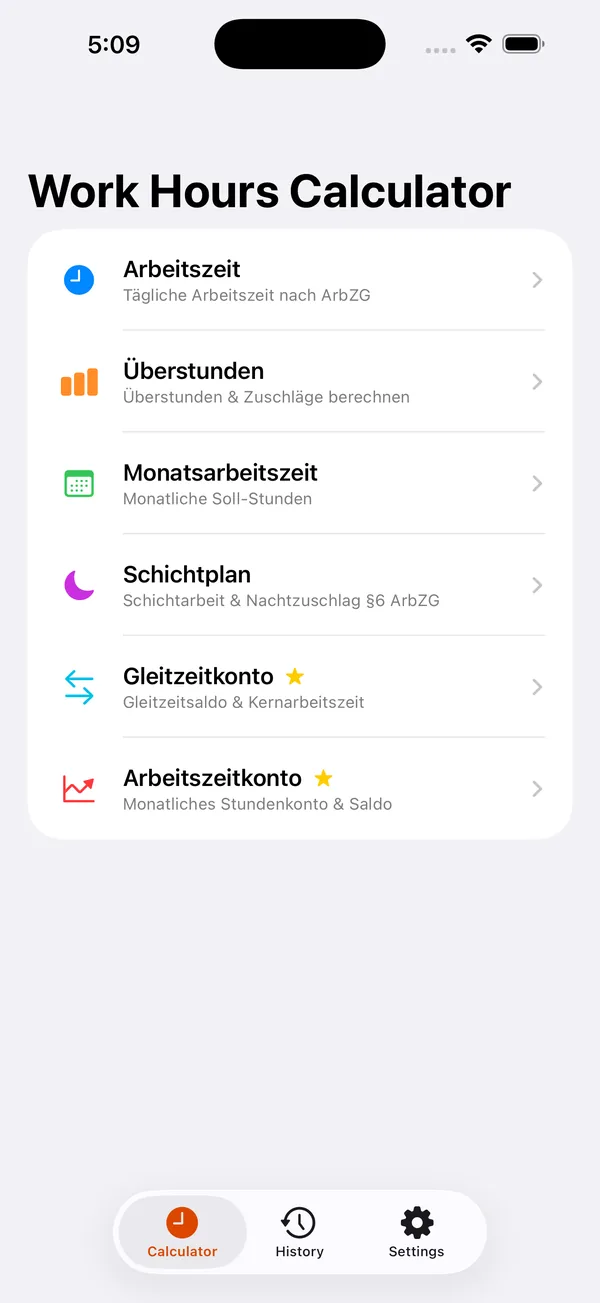
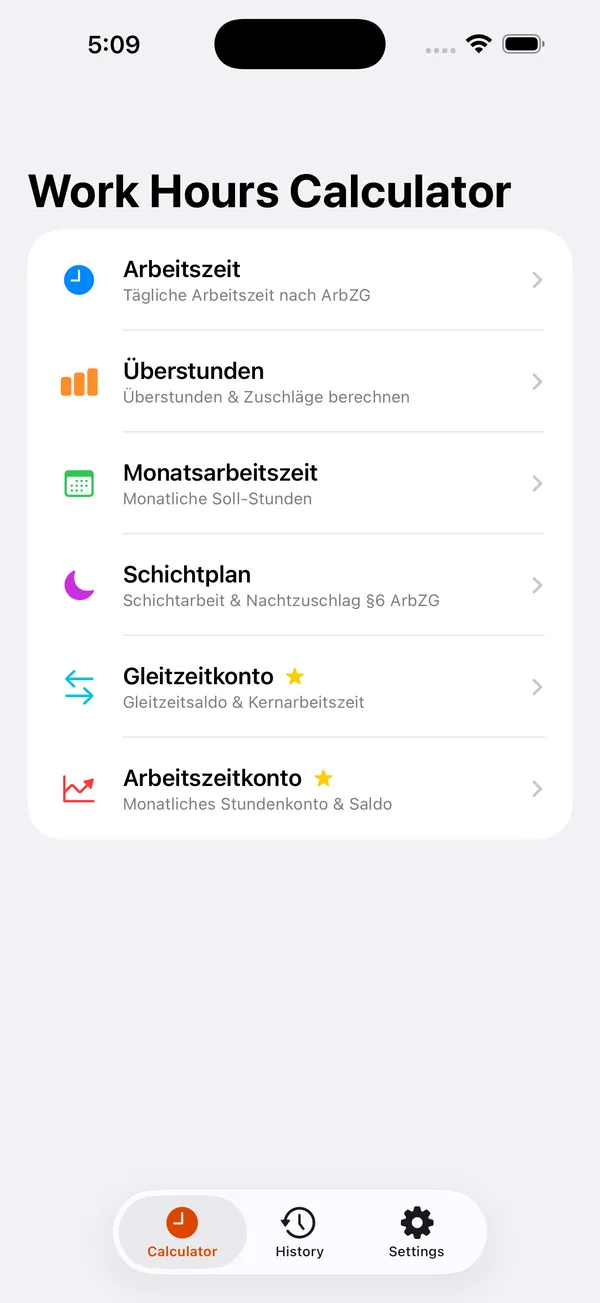
Product screens
Arbeitszeit Rechner 2026 in use
Step by step
How Arbeitszeit Rechner 2026 fits into the workflow
Enter your shifts and times
Add start and end times for each working day, plus any breaks that should come off the clock.
Let the app handle the math
Breaks are deducted and overtime is separated out, so the numbers stay honest without manual calculation.
Read your weekly summary
See your work hours, overtime and shift totals in one clear view you can use for planning or records.
Feature detail
Why teams choose Arbeitszeit Rechner 2026
Hours, done right
Add up work hours without the mental arithmetic
The app is built for the moment you want to know exactly how long you actually worked, with breaks and overtime accounted for instead of guessed.
- Track work hours per day and per shift
- Automatic break deductions
- Overtime calculated and shown separately
Shift-ready
Made for shift work and irregular schedules
If your week is not a tidy nine-to-five, the app handles multiple shifts and totals them up so nothing slips through.
- Handles multiple shifts in a week
- Keeps shift totals consistent
- Works for irregular and rotating schedules
Planning and records
A weekly summary you can actually use
The weekly overview is the payoff — a single clear figure for planning ahead or backing up a timesheet.
- Clear weekly summary view
- Useful for timesheets and quick estimates
- Premium keeps the experience distraction-free
Recent updates
What has changed recently in Arbeitszeit Rechner 2026
A lightweight release history helps these app pages act like living product documents instead of frozen launch announcements.
1.1
Clearer weekly summary for 2026
This release refines work-hour, break and overtime totals and presents them in a cleaner weekly summary built for planning and records.
Best fit
Who Arbeitszeit Rechner 2026 is built for
Shift workers
For people on rotating or irregular schedules who need to know their real hours each week.
Hourly employees
For anyone paid by the hour who wants to check their timesheet before it is submitted.
Anyone tracking overtime
For people who want to keep an eye on overtime and breaks without keeping a paper log.
Questions
Questions people ask before downloading Arbeitszeit Rechner 2026
What does the app calculate?
It calculates work hours, break deductions, overtime and shift totals, then rolls them into a clear weekly summary.
Is it good for shift work?
Yes. It is built to handle multiple shifts and irregular schedules, not just a fixed daily routine.
Can I use it for timesheets?
Yes. The weekly summary is meant for planning, timesheets and quick personal estimates of your hours.
Beyond the app
Need something more tailored than Arbeitszeit Rechner 2026?
If your team needs work-hour tracking tied into rostering, payroll exports or approval workflows, I can build a tailored tool around how your business actually schedules and records time.
- Custom time and attendance tracking
- Rostering and overtime rules for your workplace
- Exports and approvals that fit your payroll process
Bigger workflow
If this app opens up a bigger problem
The app may solve a concrete job immediately. If it exposes a larger operational, web, or content problem behind it, these are the closest practical routes.
Operational systems
If the workflow behind the app reveals manual steps, approval layers, tool sprawl, or operational debt, this is where it becomes a real system.
Web platforms
If this direction points toward a portal, stronger web layer, SEO surface area, or client-facing interface, this is the closest next route.
Related writing
Why 'My Accountant Handles It' Isn't a System
Accountants handle paperwork. They don't prevent operational non-compliance. That's a system problem.
Why Compliance Is System Behavior, Not Paperwork
Compliance fails not because someone ignored the law, but because behavior wasn't encoded. Paperwork proves compliance — systems create it.
Airtable, Monday, Asana — Why the Tool Doesn't Matter
Teams debate tools endlessly. The tool is almost never the problem. The process underneath, the ownership, the behavior—that's what breaks.
Related case studies
Enaviga: Building the Sales Playbook Behind a Charter-Tech Product
A progression from visual asset production into business development, sales structure, market validation, and operational content systems for a boating-tech startup.
Dentelli: Acting as an Embedded Growth Partner During a Premium Clinic's Scale-Up
A multi-year embedded role spanning content, campaigns, events, reporting, and growth execution while a premium dental clinic scaled significantly in Split.
Arbeitszeit Rechner 2026
Download Arbeitszeit Rechner 2026, then extend the workflow if your team needs more.
Start with the shipping app when it solves the core job. If you later need approvals, reporting, portals, or a more specialized internal workflow, that can become a custom build.